 |
|
|
An Easy, Affordable Alternative for Saving Data in PDF Forms
|
|
CutePDF Form Filler can be used to save
interactive Portable Document Format (PDF) electronic forms to
your computer to fill
in and print at your convenience, send the
completed forms via e-mail, and apply 128-bit encryption or
password protection to
your PDF documents.
This product is included within CutePDF Professional now.
You may upgrade your license of Form Filler to CutePDF Professional.
|
Features Highlight
- Save the data that you enter into a PDF form, fill it in offline, and
later print or submit your form.
Note: If your PDF form does not have interactive form
fields on it, you will need CutePDF Professional
to make it fillable.
- Send a completed PDF form or just the form data as an
e-mail attachment.
- Export form data to a separate FDF, XFDF (XML-based
FDF) or XML file.
- Import form data from a FDF, XFDF or XML file.
-
Flatten PDF form to stamp content directly into the PDF
document.
- Add security (40-bit & 128-bit) to your PDF documents
to prevent anyone from changing it or altering the
information.
System Requirements
- Works with the free Adobe Reader, or any other free PDF viewer.
Does not require the full version of Acrobat to run.
- Microsoft Windows 98, ME, 2000, XP, 2003,
Vista, 2008, Windows 7 (32-bit/64-bit),
Windows 2012, Windows 8/8.1, Windows 10 (32-bit/64-bit).
|
|
|
|







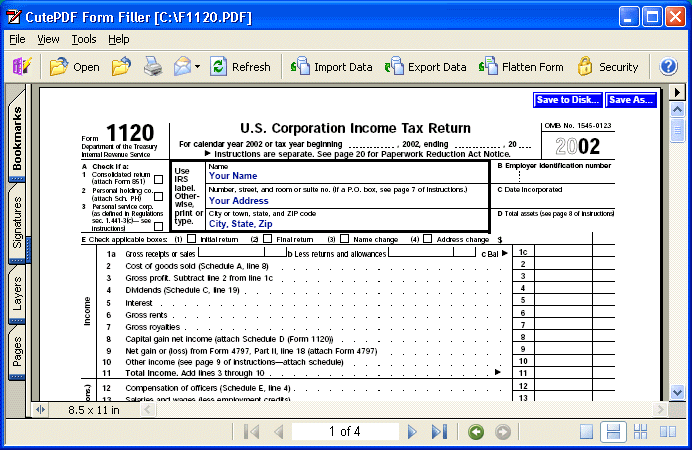 Click to View Large Screenshot of the Software